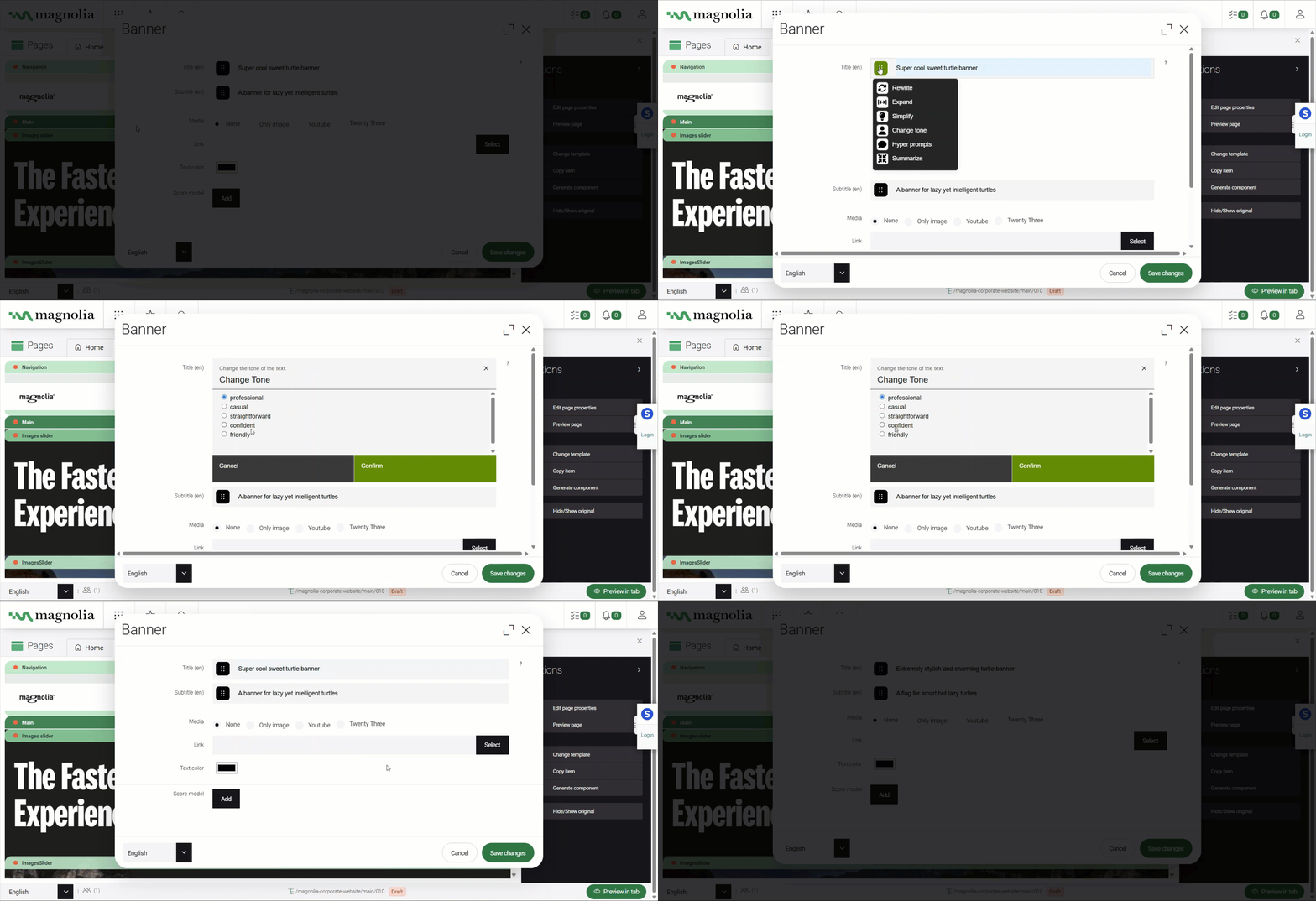
Use AI-assisted text fields
Available from version 1.1.1
Enhance existing or new text fields with AI-driven tools to assist users in editing or generating text interactively. Transform standard text fields into AI-enhanced ones, offering extensions like summarizing, expanding, or changing tone for flexible content refinement.
AI-powered forms feature allows developers to easily transform any existing text fields in a Magnolia dialog into AI enhanced text fields.
Use the AI-assisted text field in your forms or turn textField into an AI-powered textField.
-
Use case: Best for user-driven content editing, where the AI suggests improvements or generates text based on user interaction.
-
Example: A title field where the user can summarize or expand text with a click, with a max length of 150 characters.